

Data rescue
From source documents to a controlled accounting result.
A PDF-to-CSV conversion is only the beginning. The real value comes from understanding dates, descriptions, money in and out, duplicates, opening and closing balances, account allocations and the destination accounting package.
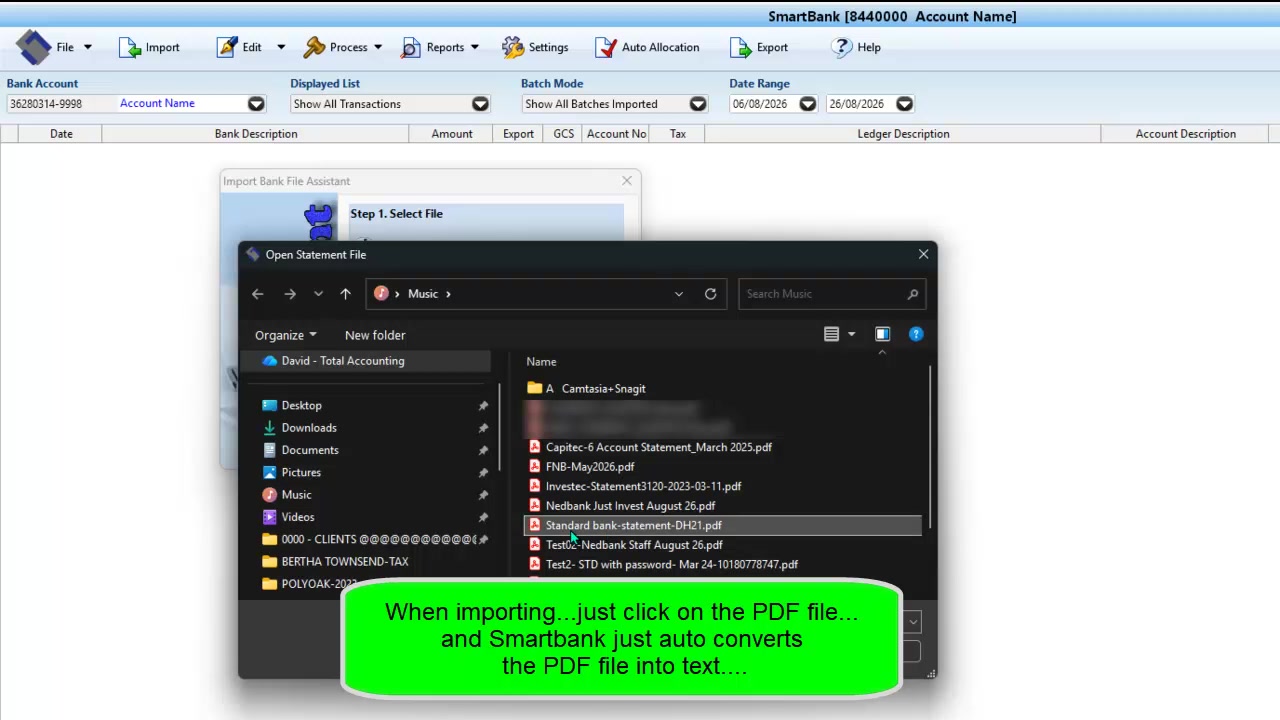
New: SmartBank automatic PDF-to-CSV import.
Behind on client cashbooks or your own business records? SmartBank converts supported original bank PDFs to CSV automatically during import. Export the transactions immediately, or allocate and reconcile first. Use the software yourself, or ask David to scope conversion and catch-up support.
Explore SmartBank for accountants, bookkeepers & business owners →Turn source data into useful records.
Total Accounting Solutions combines AI-assisted extraction with established accounting workflows. That can be especially useful for catch-up work, historical bank statements, old spreadsheets, incomplete cash books or a migration where the source data is not already in a clean import format.
- PDF bank statement extraction
- CSV and spreadsheet restructuring
- Transaction description clean-up
- Allocation rules and exception review
- Balance and period reconciliation
- Import-ready or trial-balance outputs
What affects the result?
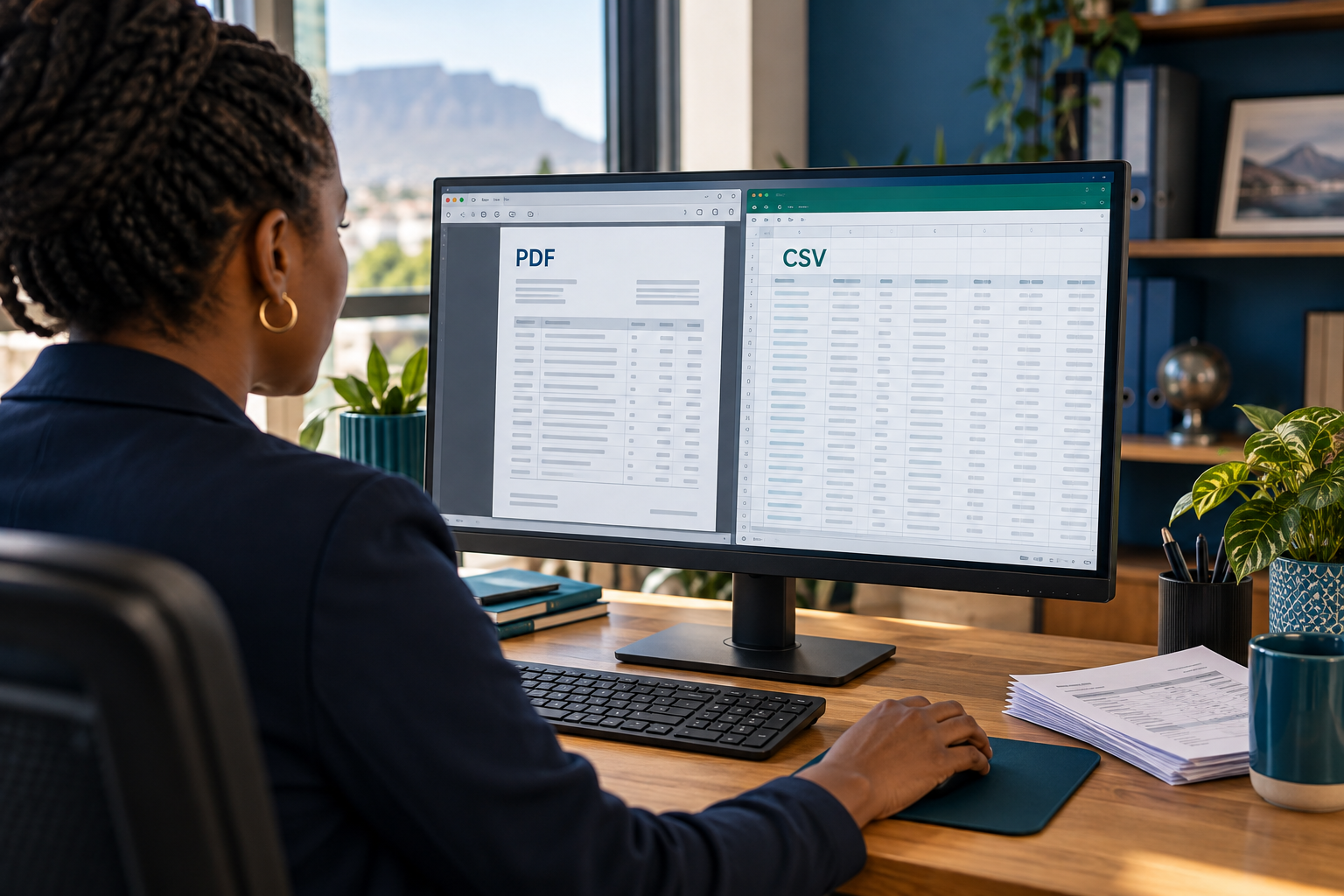
Source quality matters. Native digital PDFs and clean bank exports are usually easier to process than scans, photographs or inconsistent multi-column files. We inspect the records first, explain what can be automated and identify the items that still require client information or accounting judgement.
AI-assisted—not unchecked automation
AI can speed up extraction, classification and repetitive preparation. It does not replace the review needed to confirm the correct entity, period, bank account, tax treatment and accounting allocation.